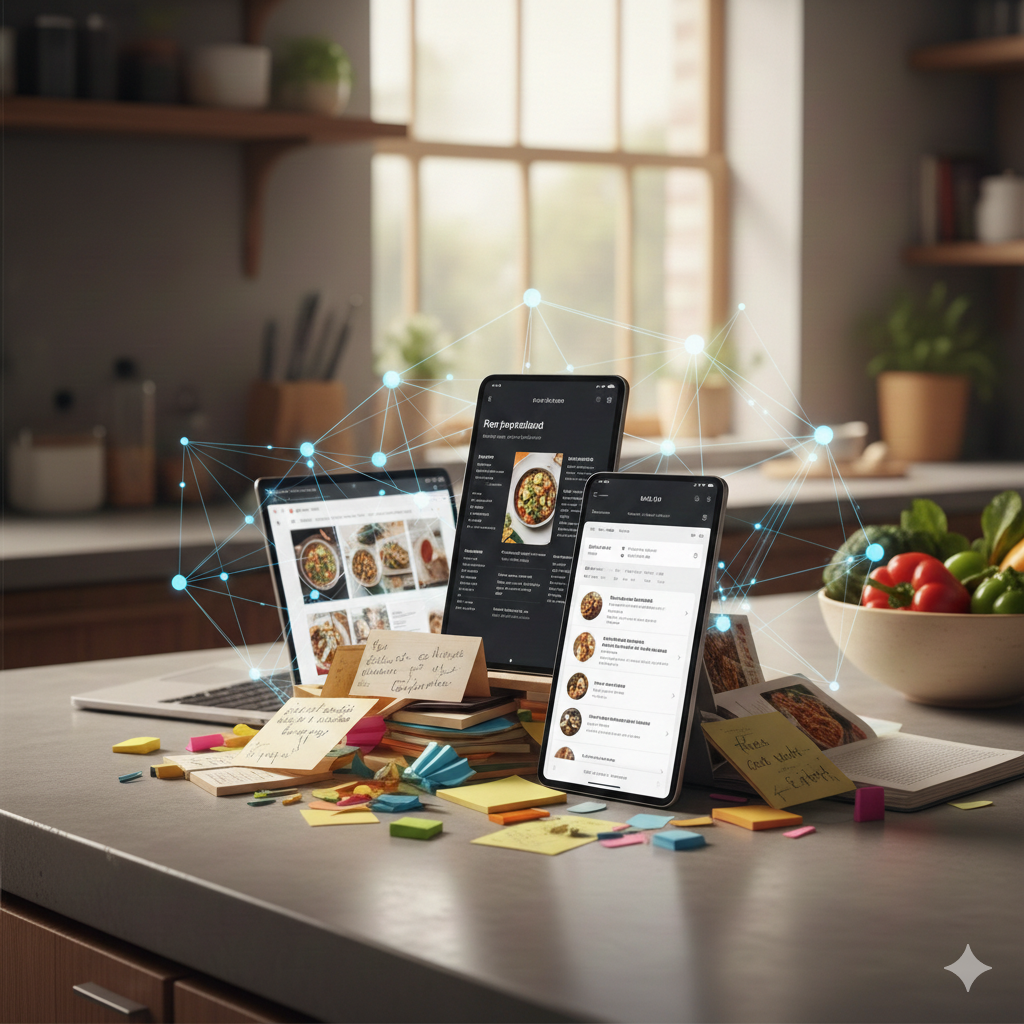
It started simply: we wanted to eat good food. Not restaurant food, but home-cooked meals with quality ingredients. This led to cooking more, which led to collecting recipes. And that's where the problems began.
The Recipe Chaos
Over years of cooking, we accumulated recipes from everywhere:
- Family recipes handwritten on aging index cards
- Cookbook pages photographed when we didn't want to buy the whole book
- Online articles bookmarked across three browsers
- Sticky notes with adjustments scribbled during cooking
- Screenshots from cooking videos
Finding a specific recipe meant digging through physical piles or scrolling through hundreds of bookmarks. We needed a better way.
Building the Solution
Local-First Architecture
The first decision: everything runs locally. Our recipes, our hardware, our rules.
- SQLite database: Single file, easy to backup, works offline
- Local AI: Ollama running llama3.2-vision for OCR
- Tauri desktop app: Native performance, small footprint
The OCR Pipeline
The magic happens when you drop a photo:
- Tesseract extracts raw text from the image
- llama3.2-vision understands the context and structure
- AI parsing identifies ingredients, quantities, and instructions
- Human review lets you correct any mistakes
Processing time: 10-45 seconds depending on hardware, entirely offline.
Mobile Photo Upload
One useful feature emerged: capturing recipe photos on a phone. The app generates a short-lived QR code that lets you snap a photo on your phone and upload it directly to the desktop app. No cloud sync needed.
The Cloud Version
Family members wanted access too, but not everyone wants to run desktop software. So we built a cloud version:
- Google Cloud Run handles parallel OCR processing
- Supabase manages authentication and data
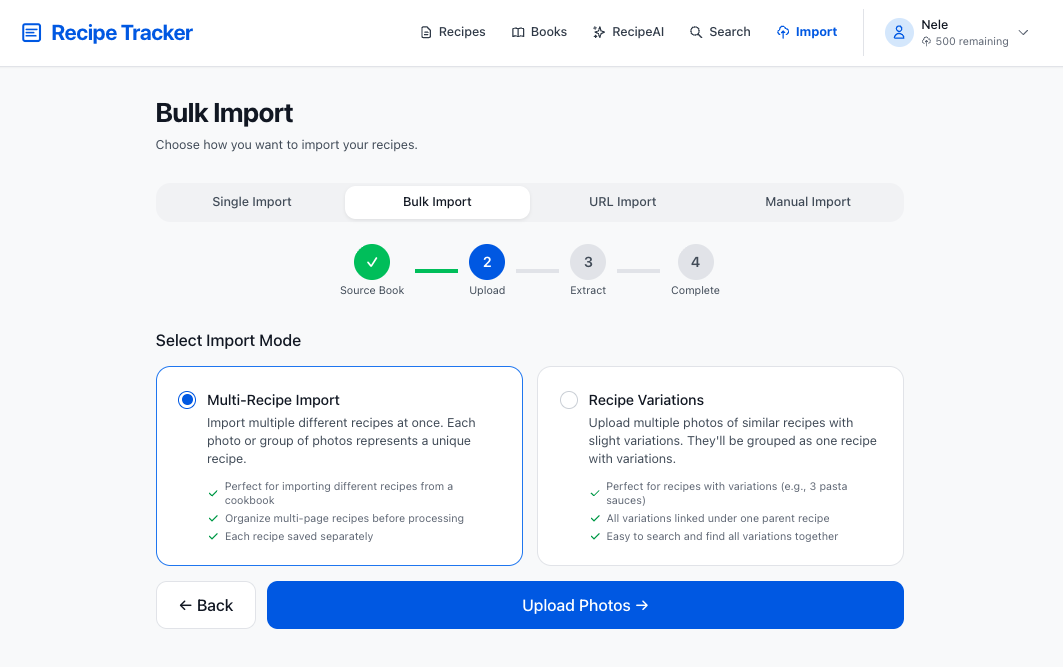
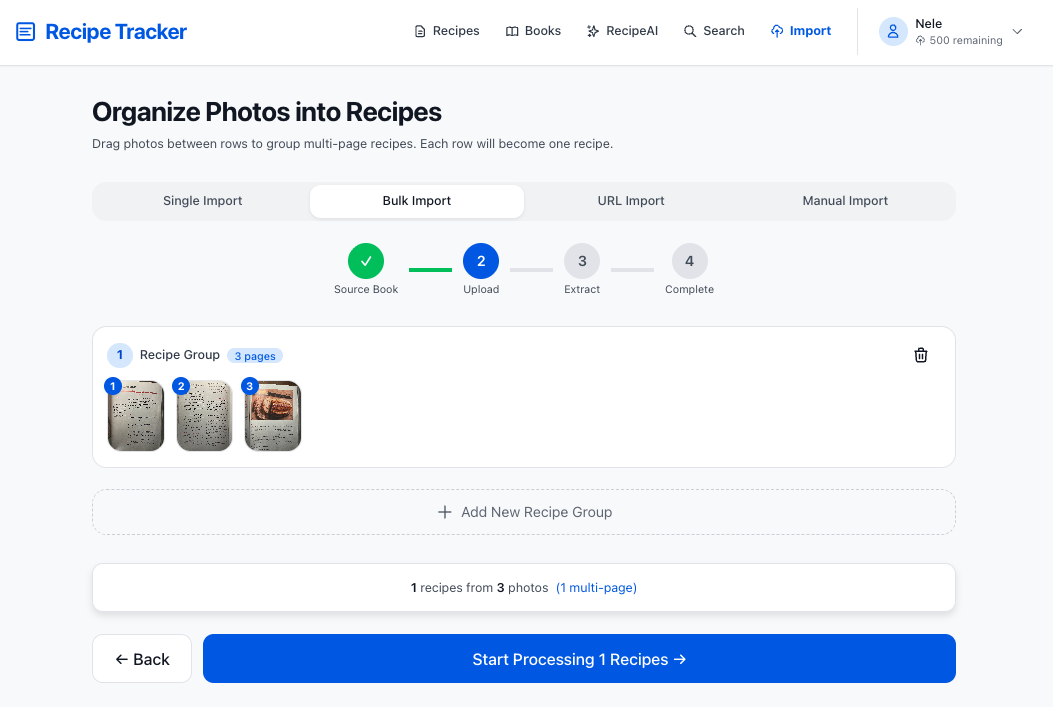
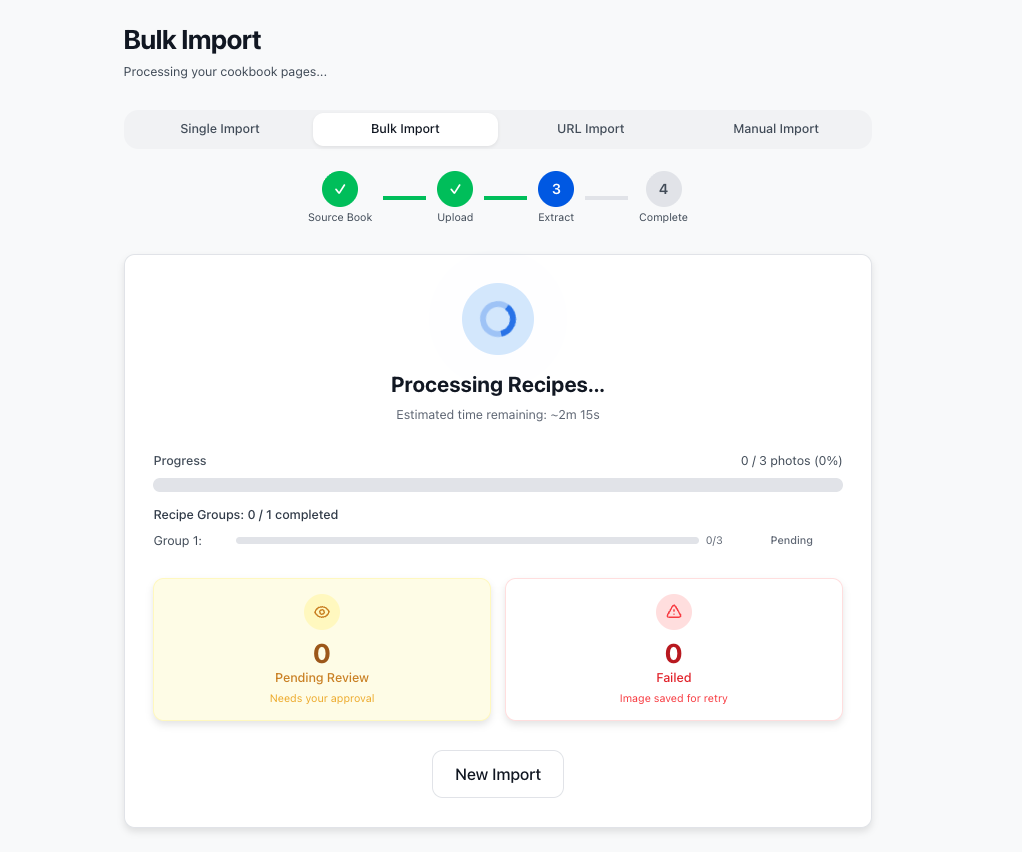
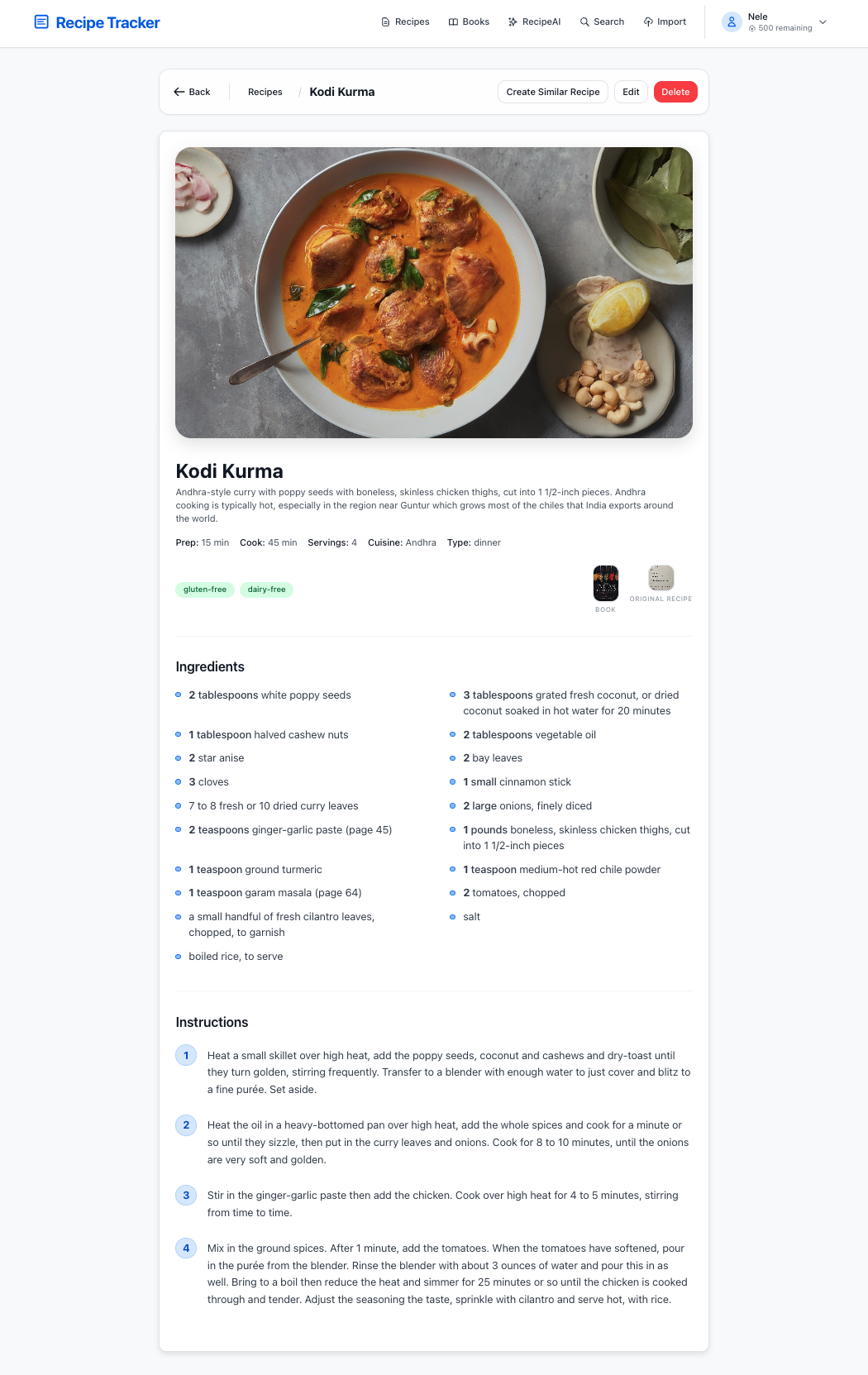
Same AI extraction, but processing happens on GCP instead of locally. The tradeoff is privacy for convenience, which is appropriate for family sharing but less so for personal use.
What We Learned
- Local AI is ready: llama3.2-vision handles recipes better than we expected
- Offline-first simplifies everything: No auth, no API limits, no outages
- Build for yourself first: Solving our own problem led to a useful tool
- The best format is portable: SQLite + Markdown means recipes survive any app
Both versions will be open source. The local version is for people who value privacy. The cloud version is for anyone who wants to deploy a shared solution for family and friends.
Current Status
The original MVP is hosted on Vercel and Supabase, but moving to GCP for better scalability and control.
- Cloud tech stack to be migrated fully to GCP using Cloud SQL and other GCP-native services as part of a major rewrite
- Desktop app is stable but needs polish and a few more features correctly ported into the Tauri app