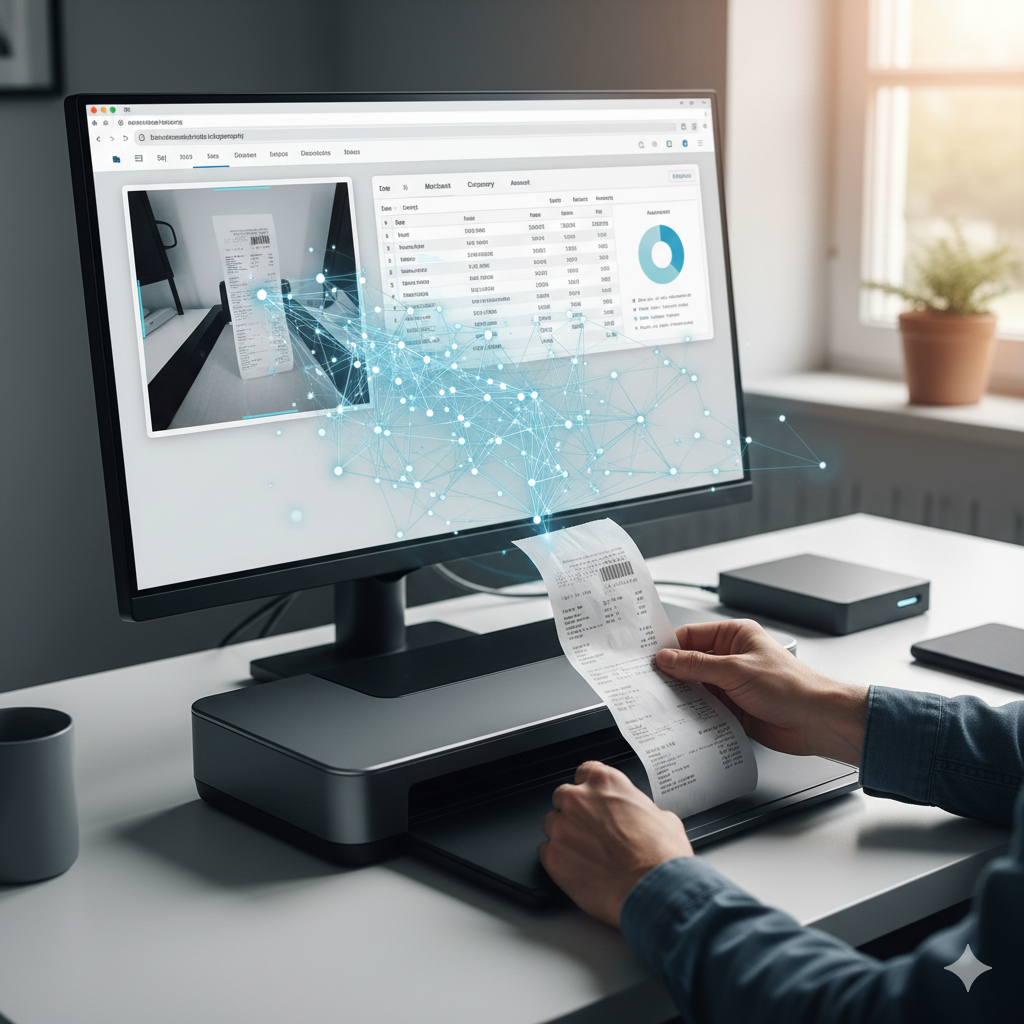
Every budgeting app I tried wanted the same thing: access to my bank accounts. Mint, YNAB, Copilot, and others all promise convenience in exchange for your complete financial picture. No thanks.
I also wanted to track expenses the old-fashioned way, from receipts, but with modern AI doing the tedious data entry.
The Privacy Problem
Let's consider what typical budget tracking apps collect:
- Every transaction you make (via links to your bank accounts)
- Your income and pay schedule
- Your spending patterns and habits
- Your account balances
- Your merchant preferences
This data is valuable. Companies use it for "personalized recommendations" (ads), sell it to data brokers, or get breached and leak it to hackers.
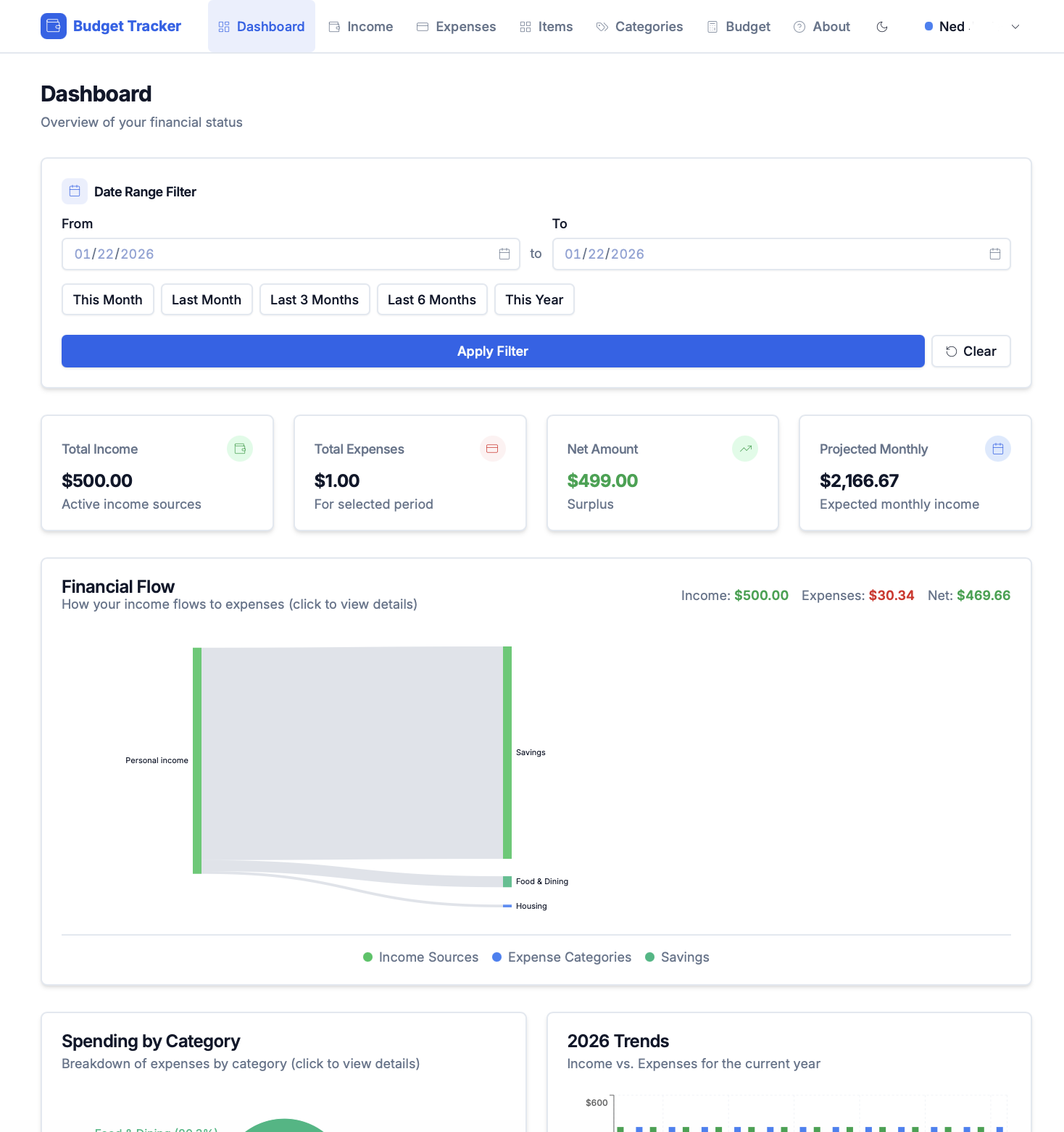
My solution: nothing leaves my computer.
The Receipt Drawer Problem
I'm not opposed to technology or convenience, but I don't want my data in the cloud being used for who-knows-what. My manual expense tracking process looked like this:
- Collect receipts in a drawer
- Every few weeks, enter them manually in a spreadsheet (if at all)
- Inevitably fall behind
- Give up for months
- Repeat
The friction was data entry: time-consuming and always delayed. If I could automate that part locally, I might actually keep up with budgeting.
Enter Local AI
This was my first app built around local AI capabilities using spec-driven development. The breakthrough: vision-capable language models that run on consumer hardware.
llama3.2-vision can look at a receipt photo and extract:
- Store name
- Date
- Individual line items
- Prices
- Totals
All running on my laptop, no internet required.
Building the App
The original MVP was a web app hosted on Vercel with a Supabase backend and Google Vision API. This approach was later changed in favor of bundling the AI locally in a desktop app using Tauri.
Tech Stack
- Tauri - Rust-based desktop framework, tiny footprint
- React - Frontend (yes, a framework made sense here)
- SQLite - Single-file database
- Ollama - Local LLM server
- llama.cpp - Bundled AI runtime (no Ollama install needed)
The Receipt Flow
- Capture: Take photo with phone, scan QR code to transfer via local WiFi
- Process: AI extracts text and structure
- Review: Verify/correct the extracted data
- Categorize: Assign to budget categories
- Done: Receipt stored, expense logged
Processing time depends on hardware:
| Setup | Model | Time per Receipt |
|---|---|---|
| GPU 8GB+ | llama3.2-vision:11b | 10-20 seconds |
| GPU 4-8GB | minicpm-v | 30 seconds |
| CPU only | llama3.2-vision:11b | 60+ seconds |
Budget Features
Beyond receipt scanning:
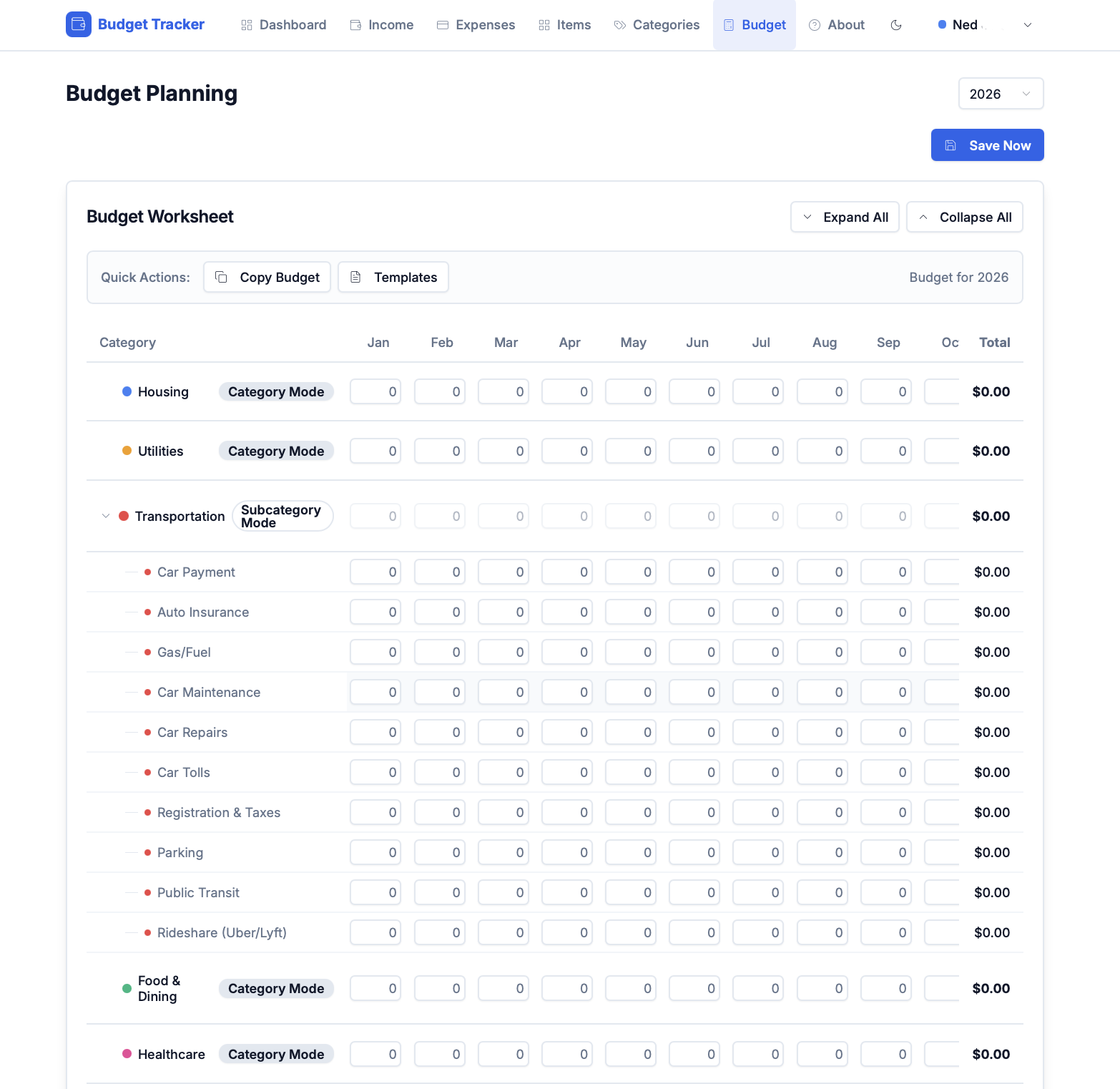
- Categories and subcategories
- Monthly allocations with progress tracking
- Split expenses for shared costs
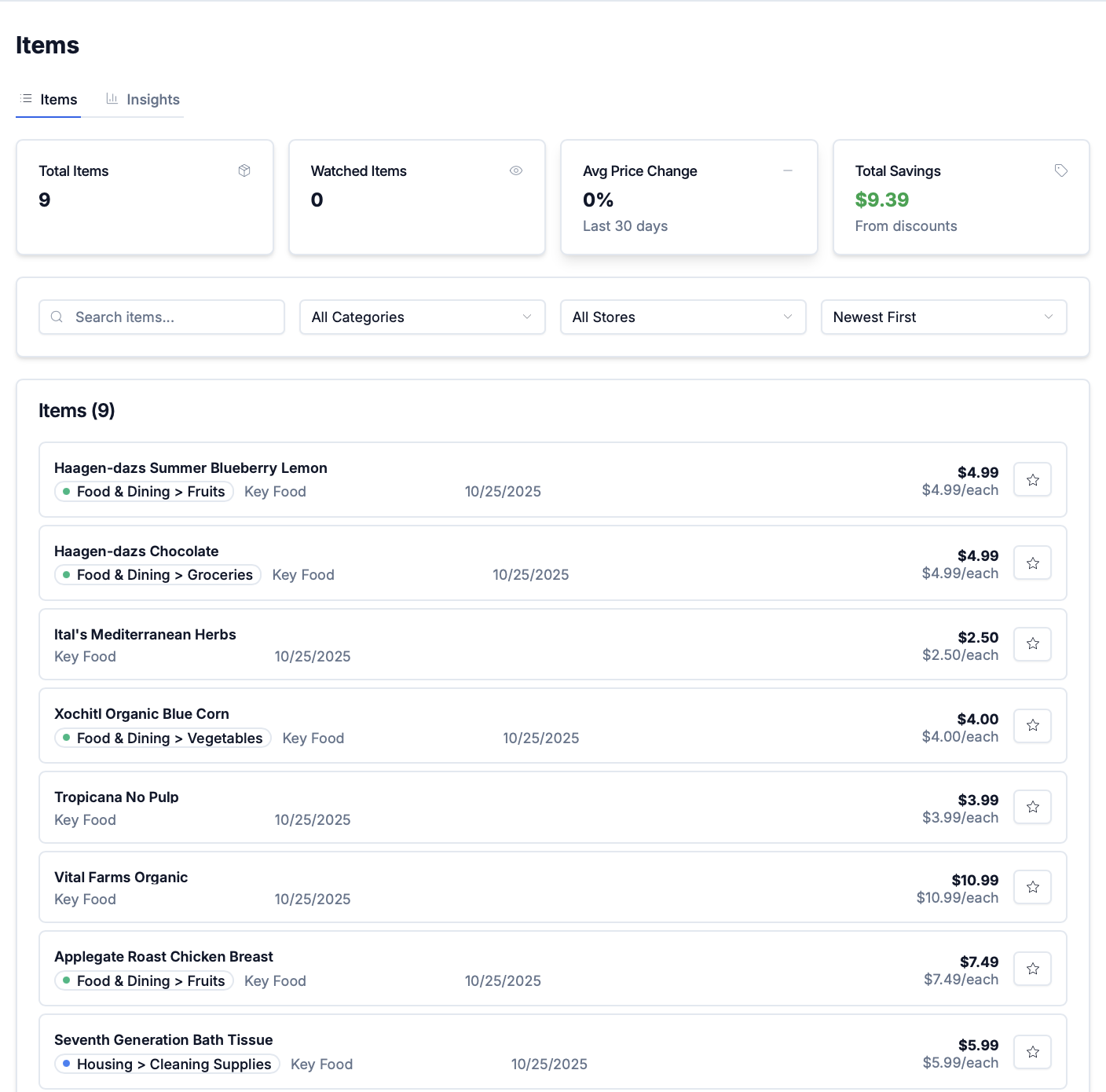
- Store price history
- Multiple budget contexts (personal, household)
The Bundled AI Decision
Originally, users needed to install Ollama separately. This created friction - non-technical users struggled with the setup.
Solution: bundle llama.cpp directly in the app.
The AI sidecar starts automatically when you open the app. No installation, no configuration, no "please install Ollama first" instructions. The tradeoff is a larger download (~4GB with the model), but the experience is seamless.
What I Learned
Local AI is Practical
Two years ago, running vision models locally was impractical. Now, a laptop can process receipts faster than I can photograph them. The quality isn't perfect - maybe 90% accuracy - but the review step catches errors.
Privacy Has UX Costs
Cloud apps are convenient. Local apps require more setup. The question is whether privacy is worth the friction. For financial data, I say yes.
Desktop Apps Aren't Dead
Web apps dominate, but desktop apps have advantages:
- File system access (save receipts anywhere)
- No internet dependency
- Data stays on the device
Tauri makes building them almost as easy as web apps.
Results
I've been using an early MVP version of the app on and off for months until other projects took priority. Results so far:
- ~100 receipts processed
- ~90% first-pass accuracy on extraction
- Budget tracking actually maintained
Next Steps
Finish transferring functionality from the web app (hosted on Vercel and Supabase) to the Tauri app. Once done and tested, it will be available as a public GitHub repository.